
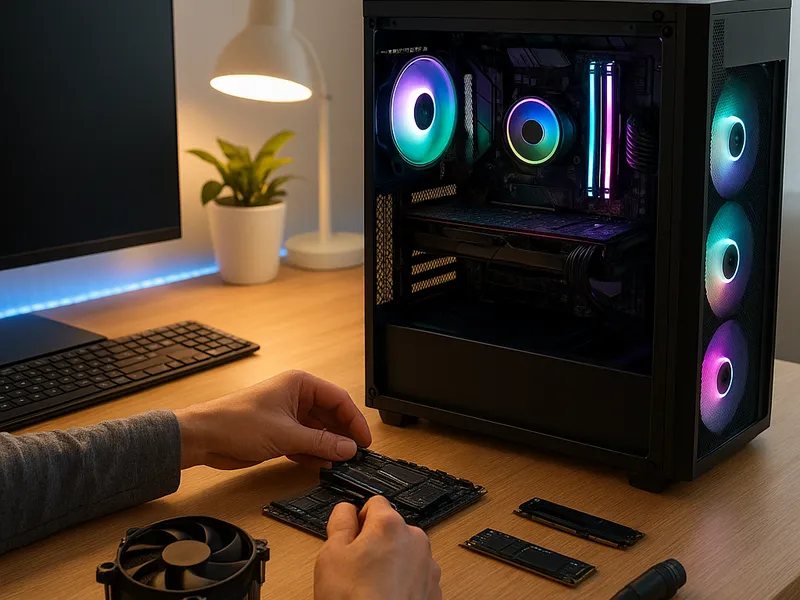
Building a PC is a journey that blends curiosity, patience, and hands on problem solving into a machine that can feel tailor made for your needs. Whether your goal is blazing gaming performance, smooth video editing, or a compact workstation for everyday tasks, the process remains similar: choose compatible parts, assemble them with care, and then fine-tune the system to run reliably. This guide walks through planning, selecting components, and assembling a system while also comparing where to buy parts and what benefits each source offers.
Start with clear goals and a realistic budget. Do you want to chase the highest possible frame rates at ultra settings, or do you prefer a balanced build that excels at both productivity and light gaming? Are you aiming for a quiet machine in a living room or a compact rig that fits in a small desk space? Your answers will influence the choice of processor, graphics card, memory, storage, and even case size. Draft a simple bill of materials that covers the essentials: a processor, a motherboard with a compatible socket, memory, storage, a power supply, a case, a cooling solution, and an operating system. From there you can level up in stages if you want to spread the cost.
Component selection is about compatibility and future proofing as much as raw speed. The CPU and motherboard must share a socket type and chipset that support your intended features. Pay attention to memory speed and capacity supported by the motherboard; mismatches can limit performance or prevent booting. Graphics cards demand sufficient power from the power supply and proper PCIe slot clearance inside the case. Storage choices include fast NVMe solid state drives for the system drive and larger SATA drives for capacity. Cooling decisions hinge on case space and noise tolerance; air cooling is simple and reliable, while liquid cooling can offer quieter operation and lower temperatures for sustained workloads. Don’t overlook the power supply; a reliable unit with enough headroom protects components during spikes and over time. Finally, decide if you will install the operating system from a USB installer or use a preconfigured drive image.
Where to buy parts is a practical concern that can affect price, availability, and post purchase support. Several reputable retailers and platforms regularly feature computer components and kits:
Newegg is known for a broad catalog, detailed product pages, customer reviews, and frequent bundles that pair a motherboard with memory or storage. It’s a solid choice when you want options and deals from a single site, though prices can vary by seller and stock fluctuates.
Amazon offers an immense selection with fast fulfillment through Prime, easy returns, and user reviews that helps gauge compatibility and real world performance. The breadth means you may compare several retailers at once, but you should verify seller reliability and warranty terms for each item.
Micro Center combines online ordering with strong in store stock for many parts. In many regions it is one of the few places to get CPUs and high demand components at compelling prices, especially when a store is nearby for in person pickup and guidance from staff.
