
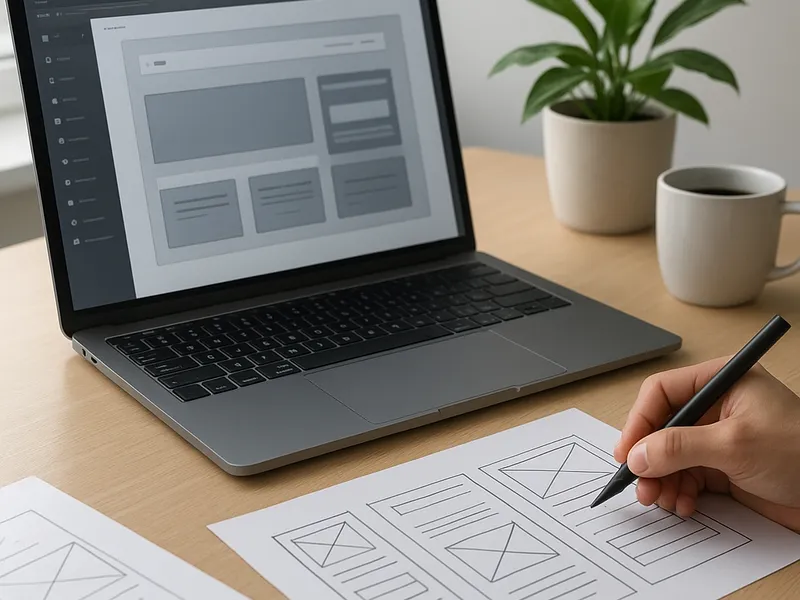
In today's digital landscape, a website is more than a storefront or a resume; it’s a curated space where ideas, services, and stories live. Building one can feel daunting, but with a clear plan and the right tools, you can launch a professional presence that grows with your goals. The path you choose will depend on your needs, budget, and how hands-on you want to be with technical details. There are three common routes: website builders that simplify design, content management systems for flexibility, and custom development for complete control. Each path has its own strengths, trade-offs, and best-use scenarios.
Start with a solid plan. Before touching a template or a line of code, define the purpose of your site. Are you selling products, showcasing a portfolio, publishing content, or providing a service? Identify your target audience and the actions you want visitors to take, such as filling out a form, making a purchase, or subscribing to a newsletter. Create a simple sitemap: Home, About, Services or Products, Blog or Resources, and Contact. Draft a few core messages and a content plan so you can stay focused during design and development. Decide on the tone, whether it should be corporate, friendly, minimal, or visually bold. This planning phase will save time later and reduce the risk of scope creep.
Choose your path. If speed and ease are the priority, website builders offer drag-and-drop editors, templates, and hosting bundled in one package. Platforms like Wix and Squarespace provide thousands of templates designed for different industries, built-in analytics, and straightforward eCommerce options. WordPress.com offers a hosted WordPress experience with a balance of simplicity and extensibility. For designers and developers who want pixel-perfect control, Webflow combines visuals with a robust CMS and interactions without writing code from scratch. If your goal is a large-scale content site or a highly customized experience, a self-hosted WordPress.org setup or a headless approach gives maximum flexibility, though it requires more technical know-how and ongoing maintenance. For shops focused on selling, Shopify remains a leading option with strong storefront features and scalability.
Implementation steps that work across paths. Start by securing a domain name that reflects your brand and is easy to remember. If you go with a website builder, you can usually purchase and connect the domain directly within the platform. For CMS or custom setups, you’ll need a hosting provider and a control panel to install the software. Enable SSL to encrypt traffic and protect visitor data. Create essential pages that mirror your sitemap and draft neutral, accessible content that serves your audience. Use a clean navigation structure so visitors can reach important information in a few clicks. Build a mobile-friendly design first, since a growing share of traffic comes from phones and tablets. Optimize images by compressing them to balance quality and performance, and consider a content delivery network to speed up global delivery.
Design with usability in mind. A successful site balances aesthetics with function. Choose a restrained color palette, clear typography, and consistent UI elements. Pay attention to contrast for readability and keyboard navigability for accessibility. Use alt text for images, accessible form labels, and logical heading structure to help screen readers understand your content. Keep the layout grid simple and predictable to reduce cognitive load. If you plan multiple product pages or blog posts, design a reusable template so new content remains consistent. Remember that speed is part of the design; bloated pages deter visitors and hurt search performance.
