
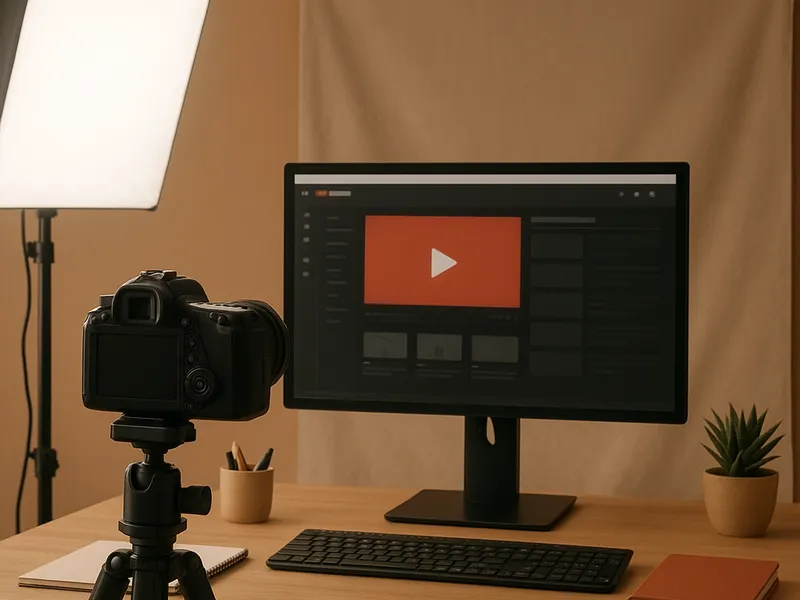
How To Make A YouTube Channel
Article
2025-12-10 • 5 min read

How To Make A YouTube Channel

Launching a YouTube channel is more than just uploading videos; it is about shaping a consistent identity that viewers recognize and trust across platforms. The moment someone visits your channel they should instantly feel what you stand for, whether it is ...

Launching a YouTube channel is more than just uploading videos; it is about shaping a consistent identity that viewers recognize and trust across platforms. The moment someone visits your channel they should instantly feel what you stand for, whether it is education, entertainment, or a specific niche. A well constructed channel acts as a lighthouse guiding viewers from discovery to subscription and participation. The practical path to that lighthouse starts with a clear brand promise, a plan for content, and a set of assets that translate your idea into a recognizable visual language.

Start with clarity on your niche and audience. Before you touch a camera or open editing software, map out the topics you will cover and who you are speaking to. A strong channel rests on a few core pillars rather than a long list of scattered topics. Decide the tone of voice you will use, whether it is playful, formal, or expert, and how often you will publish. This early strategy guides every subsequent decision from video topics to thumbnail style. It also makes it easier to measure success later on because you have concrete benchmarks such as subscriber growth in a specific category, average view duration, or engagement per video.

Setting up the channel is a practical process that rewards attention to detail. If you already have a Google account, you can create a YouTube channel in a few clicks. In the customization panel you should upload a profile picture that mirrors your branding, a banner that communicates your value proposition at a glance, and a channel trailer that converts visitors into subscribers. The About section should tell your story succinctly and include links to your website or social profiles. As a rule of thumb, keep your branding cohesive across all elements: the colors you choose for logos and thumbnails, the typography you use in thumbnails, and the overall mood of your videos should feel like parts of a single system rather than random pieces.

Branding matters because thumbnails are often the deciding factor in whether someone clicks. In practice, this means selecting a color palette with contrast, a readable typeface for on-screen text, and a visual motif that appears in every video. If you lack design skills, consider a branding toolset that simplifies this work. Canva, for example, offers templates and a brand kit that makes it possible to create consistent thumbnails and channel art without hiring a designer. For those who prefer a professional touch, a few reliable service providers can align your visuals with your strategy. Platforms like Fiverr host freelance designers who can deliver channel art, logo, and intro videos at different price points. Upwork lets you hire experienced freelancers for more extensive branding and channel setup projects. 99designs provides a route to professional design through design competitions or managed projects, which can yield unique artwork and a strong visual system. Envato Elements and Looka offer templates and branding assets that can speed up the process while maintaining visual coherence.

How To Make A YouTube Channel

Beyond aesthetics, your channel’s infrastructure supports growth. Each video file should be optimized for search and viewer retention. Start with a compelling title that includes relevant keywords, a descriptive yet concise description that highlights value and time stamps, and a set of tags that capture both broad terms and niche phrases. Create a high contrast thumbnail that forecasts the video’s payoff. Use chapters and timestamps to improve usability, and add a branded outro that invites viewers to subscribe or watch another video. These optimization steps contribute to discovery on the platform and encourage longer watch times, both of which YouTube’s algorithm favors.

Content strategy and production workflows are essential for scale. Decide on a few content pillars—such as tutorials, behind the scenes, case studies, or quick tips—and draft a publishing schedule that you can actually sustain. A simple production workflow often looks like idea validation, scripting or outlining, filming, editing, review, and upload. Investing in a reliable editing setup and templates can save time and keep your output consistent. Tools range from accessible editors like DaVinci Resolve to industry standard suites such as Adobe Premiere Pro and Final Cut Pro. Stock footage libraries and music repositories can fill gaps without breaking the bank, while a consistent editing style helps viewers recognize your videos even before they see the title.

If you are weighing how to acquire professional help without committing to a full-time hire, it’s worth comparing top providers. Canva Pro and similar design tools empower rapid in house branding with limited budgets. Fiverr offers a wide spectrum of freelancers who can craft channel art, intros, or lower thirds at various price points. Upwork provides a broader pool of skilled editors and brand designers for ongoing partnerships. 99designs is ideal when you want a strong unique identity designed by professionals, though it is more expensive. For ongoing optimization and analytics, YouTube’s built in analytics alongside tools like TubeBuddy and VidIQ can guide keyword strategies, thumbnail testing, and competitive analysis. The key is to choose a mix that matches your goals, timeline, and budget, then iterate based on what the data reveals about audience behavior.

Monetization and growth hinge on consistency and compliance. Once you reach eligibility for the YouTube Partner Program, you can monetize views through ads, memberships, and super chat features. Diversifying revenue through sponsored content, affiliate links, and your own digital products or courses aligns with many creators’ needs. Growth also comes from community-building: respond to comments, collaborate with creators in your niche, and cultivate playlists that guide viewers from one video to another. A well organized library of content with coherent metadata makes it easier for your audience to binge and for YouTube to surface your videos to people who share similar interests.

In practice, the path to a successful channel is iterative. Start with a strong brand and a clear plan, then execute with discipline. Use design tools to craft consistent visuals, enlist skilled freelancers when needed, and lean on analytics to refine your approach. The result is not a single viral hit but a durable presence that grows as your audience discovers more of your work and invites friends to join. With patience and a deliberate blend of design, strategy, and execution, your YouTube channel becomes not only a repository of content but a trusted destination for your audience.

← Back to all articles