
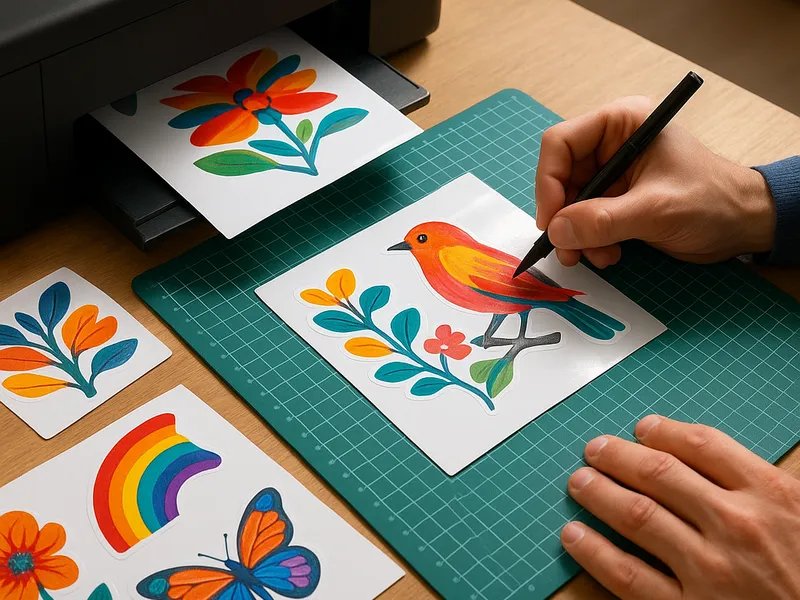
Stickers are more than decor; they are a portable form of expression and branding that can turn a simple idea into something people want to showcase. Making your own stickers blends art, craft, and a touch of practical know how. Whether you are designing for a personal sticker pack, a small business, or a school project, the process blends design software, print options, and precise cutting. The result can range from glossy vinyl decals that survive weather to matte paper sheets perfect for planning and journaling. Below you will find an overview of how to make stickers, practical steps to get started, and a look at where you can buy or outsource this work if you prefer not to DIY every step.
First consider the two broad families of stickers: vinyl versus sticker paper. Vinyl stock is designed for durability and outdoor life; it often requires a clear or opaque laminate layer to resist UV light and moisture. Sticker paper is cheaper and great for indoor use, journaling, or quick prototypes. Within each family you have finishes such as matte, gloss, and transparent. There are two common cutting methods: die cut and kiss cut. Die cut stickers are cut all the way through both the sticker and the backing, producing individual shapes. Kiss cut cuts only through the top vinyl layer, leaving a sheet of stickers on the backing—handy for sticker sheets and easy production. Your choice depends on the project scope, budget, and how users will peel them.
Tools and materials set the tone for quality. If you are starting from scratch, you will want printable vinyl or sticker paper, a printer that can handle the stock, a cutting method, and a sealing option if you want longevity. For DIY finishing, lamination is a reliable step. Cold lamination sheets or a clear laminate pouch can add scratch and moisture resistance. If you want a more polished professional look, you might invest in a cutting machine such as a vinyl craft plotter or a die cutting machine. These tools let you achieve consistent shapes and complex cuts that would be tedious by hand.
Designing your sticker art is the most creative phase. Use vector-friendly software such as Illustrator or Inkscape; raster programs like Photoshop or Affinity Photo are fine for bitmap artwork if you keep the resolution high enough. A few design tips help the result look sharp when printed and cut. Start with the correct color mode for printing, usually CMYK. Leave a bleed area around the edges to ensure no white gaps after cutting. Outline or convert text to paths if you’re sending files to a printer to avoid font substitutions. Build in safe margins so nothing important sits too close to the edge. If you plan to use white on transparent vinyl, ensure your artwork includes the white area or background in the file design.
