
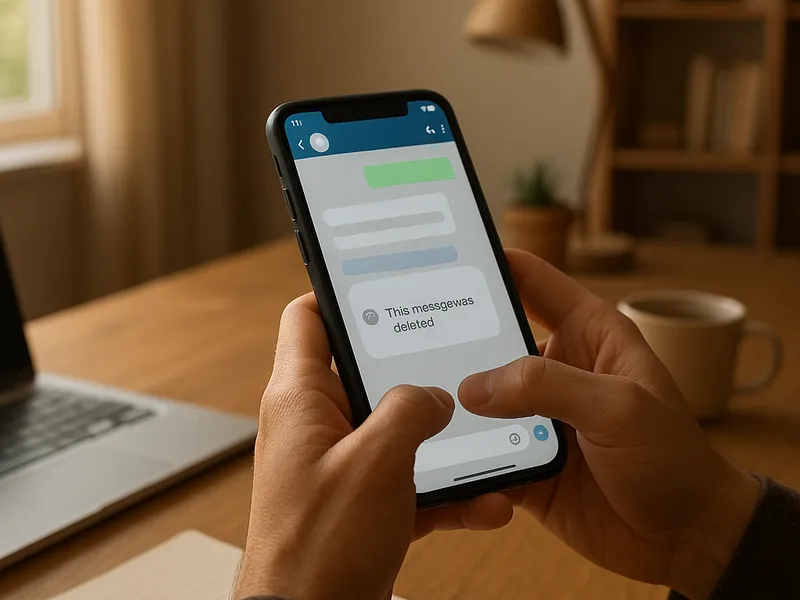
WhatsApp has become the primary place many of us share personal updates, jokes, and important information. When a message is deleted for everyone, a small sense of curiosity tends to linger. Can you ever recover or view a version of that message after it disappears from the chat? The short answer is that WhatsApp itself does not provide a built in feature to reveal deleted for everyone messages once they are removed. However, there are legitimate scenarios and tools that people explore to see deleted content, usually tied to backups or preserved notifications. This article explores what is realistically possible, what is not, and practical ways to approach the topic while respecting privacy and rights.
First, understand what deletion really does on WhatsApp. When someone taps Delete for Everyone, WhatsApp removes the message from the chat on all devices involved, replacing it with a placeholder that indicates a message was deleted. This operates on a per message basis and depends on both sender and recipient having a compatible version of WhatsApp at the time of deletion. The moment a message is deleted, the content is no longer readily accessible through the normal chat interface. If you want to attempt to retrieve any content related to that moment, your options hinge on the state of your own data: whether you had a backup, whether you had notifications saved, or whether a third party app had previously captured the content in some form. Each path has its own limitations and risks.
Backups are the most reliable way to access deleted content if you act in time and if a backup existed prior to the deletion. Android and iOS both offer mechanisms to back up WhatsApp data, albeit in different ecosystems. On Android devices, WhatsApp can back up chats to Google Drive or save a local backup on the device itself. On iPhone, WhatsApp can back up to iCloud. If a message was deleted after your last backup, you can restore the chat from that backup to recover messages up to the backup date. The caveat is clear: you will revert to the chat as it existed at the moment of that backup. Any messages exchanged after that backup date will be missing, and you risk overwriting current messages when you restore. To pursue this route, you would typically uninstall WhatsApp, reinstall, and choose to restore from the appropriate backup during the setup process. Some users prefer performing a new backup before attempting a restore in order to preserve the current state of chats.
For those who do not keep regular backups, another practical avenue is to check notification history, especially on Android devices. Some devices or third party apps can retain a history of push notifications, including messages that appear in your notification tray. If you enable a notification history log or use a trusted notification capture app, you may be able to review the content of a message before it was deleted. This approach depends entirely on your device settings and the presence of a notification record before the deletion occurred. It is worth noting that not all devices store notifications indefinitely, and this method only helps if the message was delivered to your device as a notification and you captured it before deletion.
There are third party apps that promote the ability to view deleted WhatsApp messages. Apps such as notification loggers or message recovery tools claim to retain copies of messages or to alert you when content is removed. While these tools can be useful in principle, they come with significant caveats. They often require broad permissions, may collect data, and can contravene WhatsApp terms of service or local privacy laws. If you choose to experiment with such tools, do so with caution, only on devices that you own, and with a clear understanding of the privacy and security implications. Always download from reputable sources, review permissions carefully, and consider the potential risk to your personal data.
When it comes to commercial tools, there are several well known data recovery and mobile forensics brands that market software claiming to recover deleted messages from messaging apps including WhatsApp. These products are aimed at recovering data from devices rather than bypassing app based privacy controls. The major players include Dr Fone by Wondershare, Tenorshare UltData, iMobie PhoneRescue, EaseUS MobiSaver, and Stellar Data Recovery for mobile devices. Here is a quick comparative snapshot of what these tools typically offer, without endorsing any particular solution:
